

Access Rumble Studio
Navigate to studio.rumble.com
Create and Start Live Stream
Create a live stream and initiate the broadcast by going live.
Make the Stream Exclusive
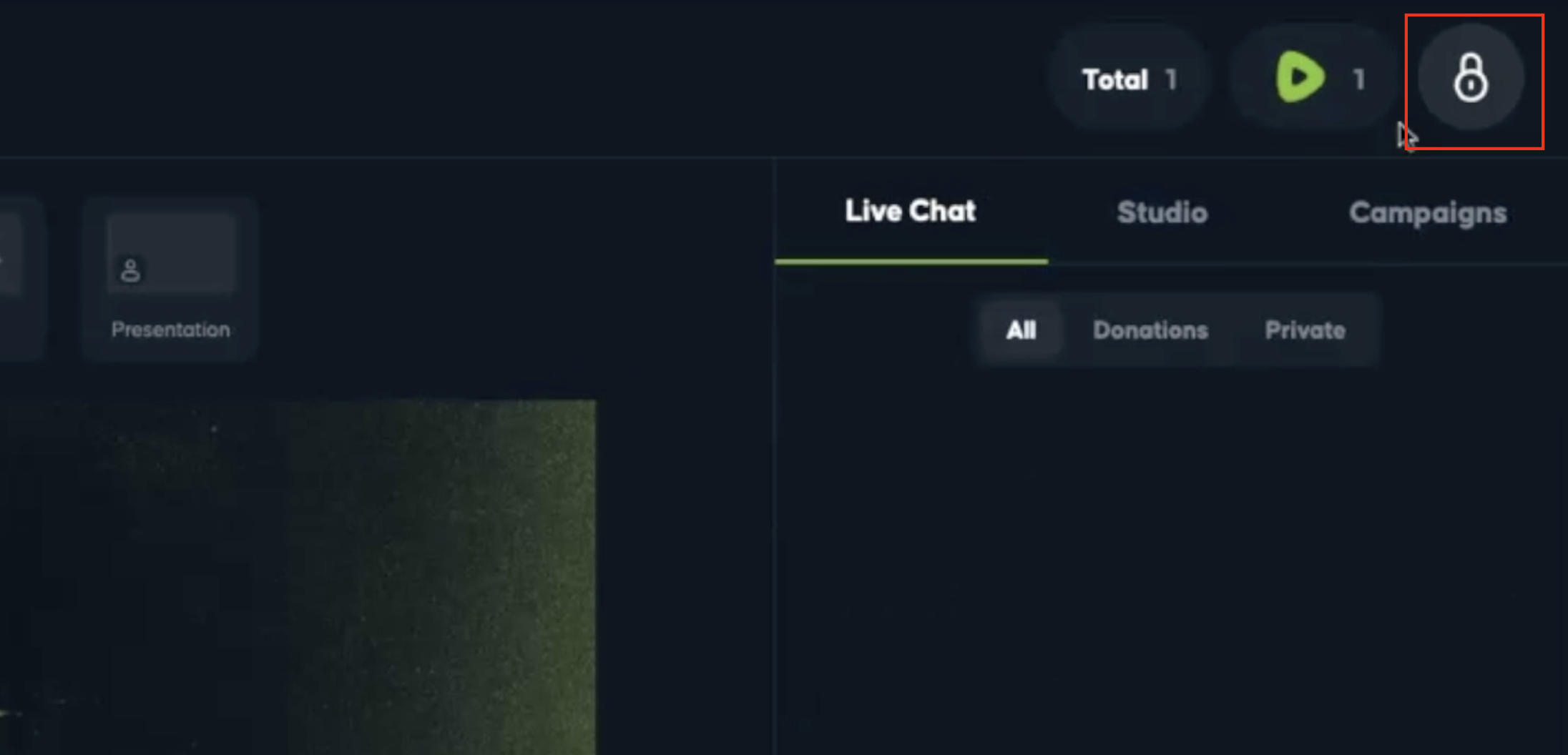
Click the lock icon in the upper right-hand corner within Rumble Studio (this is only available to creators active in the Rumble Creator program)
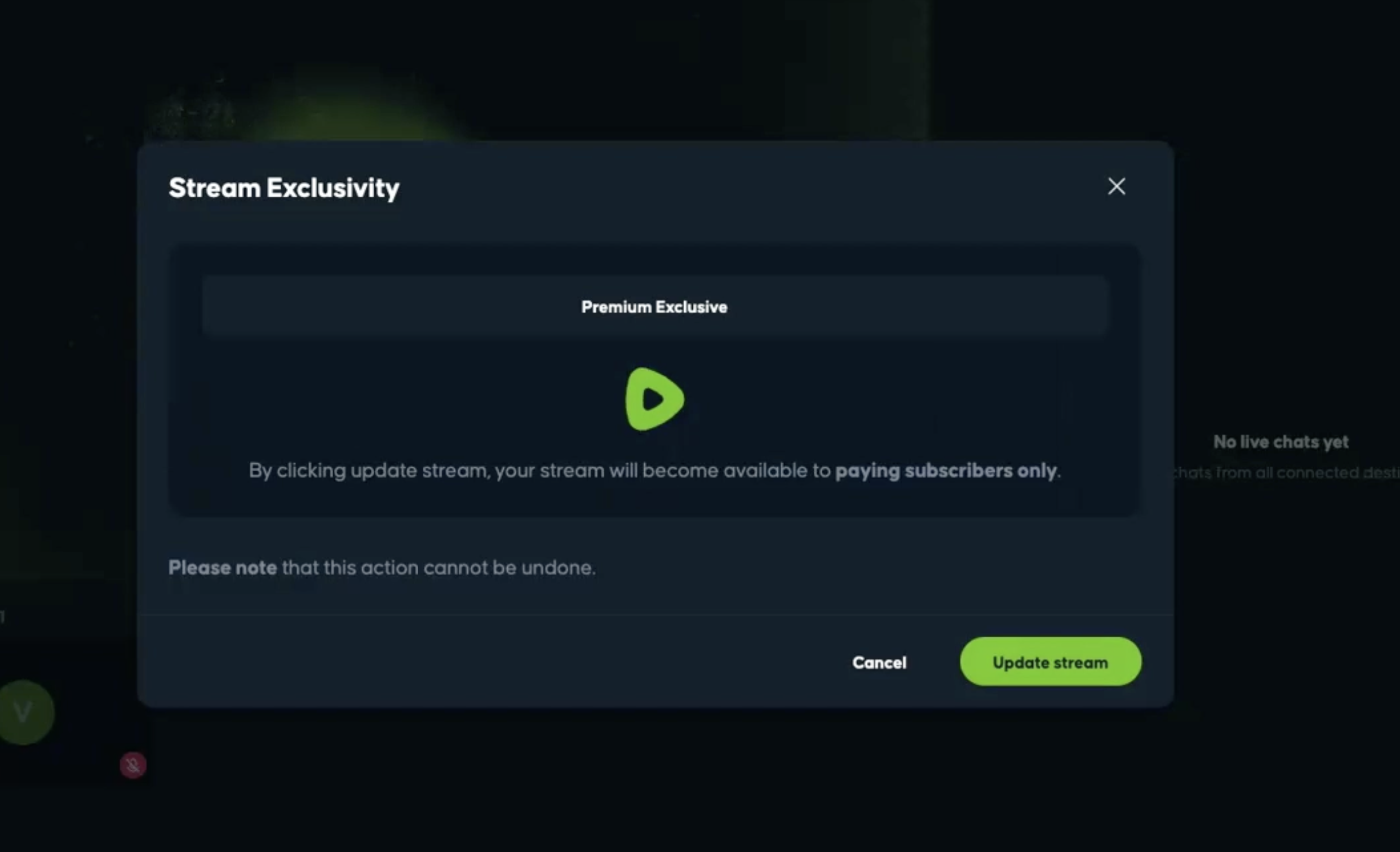
Select "Update stream" to enable exclusive streaming behind Rumble Premium (you must wait at least 30 seconds after a stream starts until you are able to make it exclusive)
User Experience Based on Subscription
Non-Premium Users:
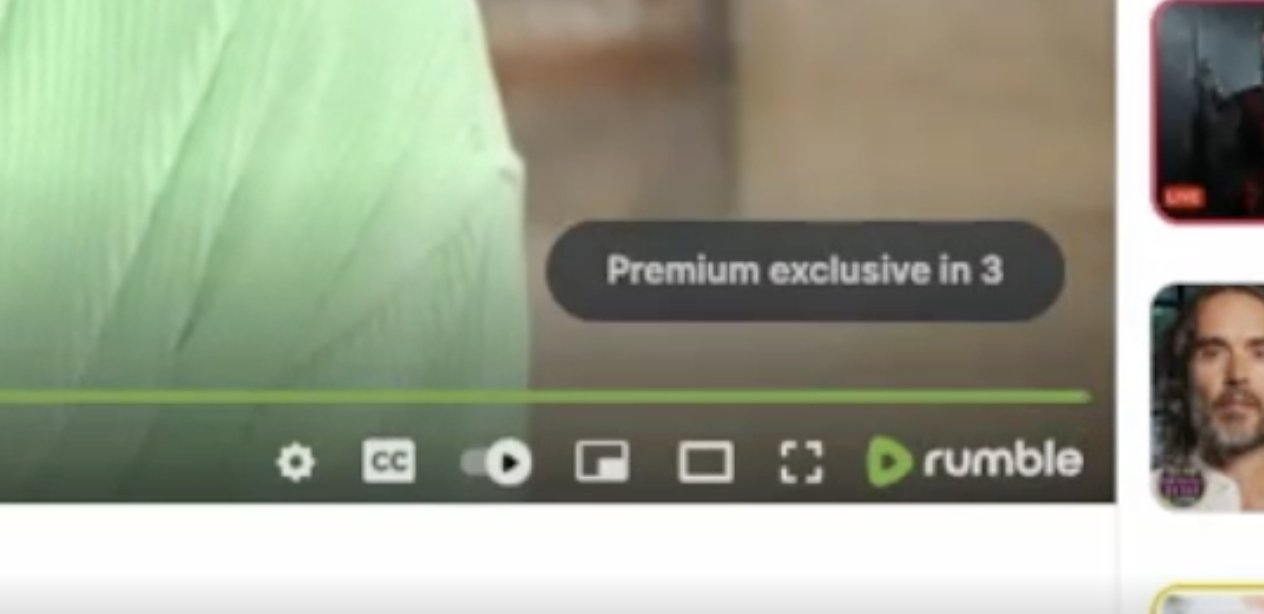
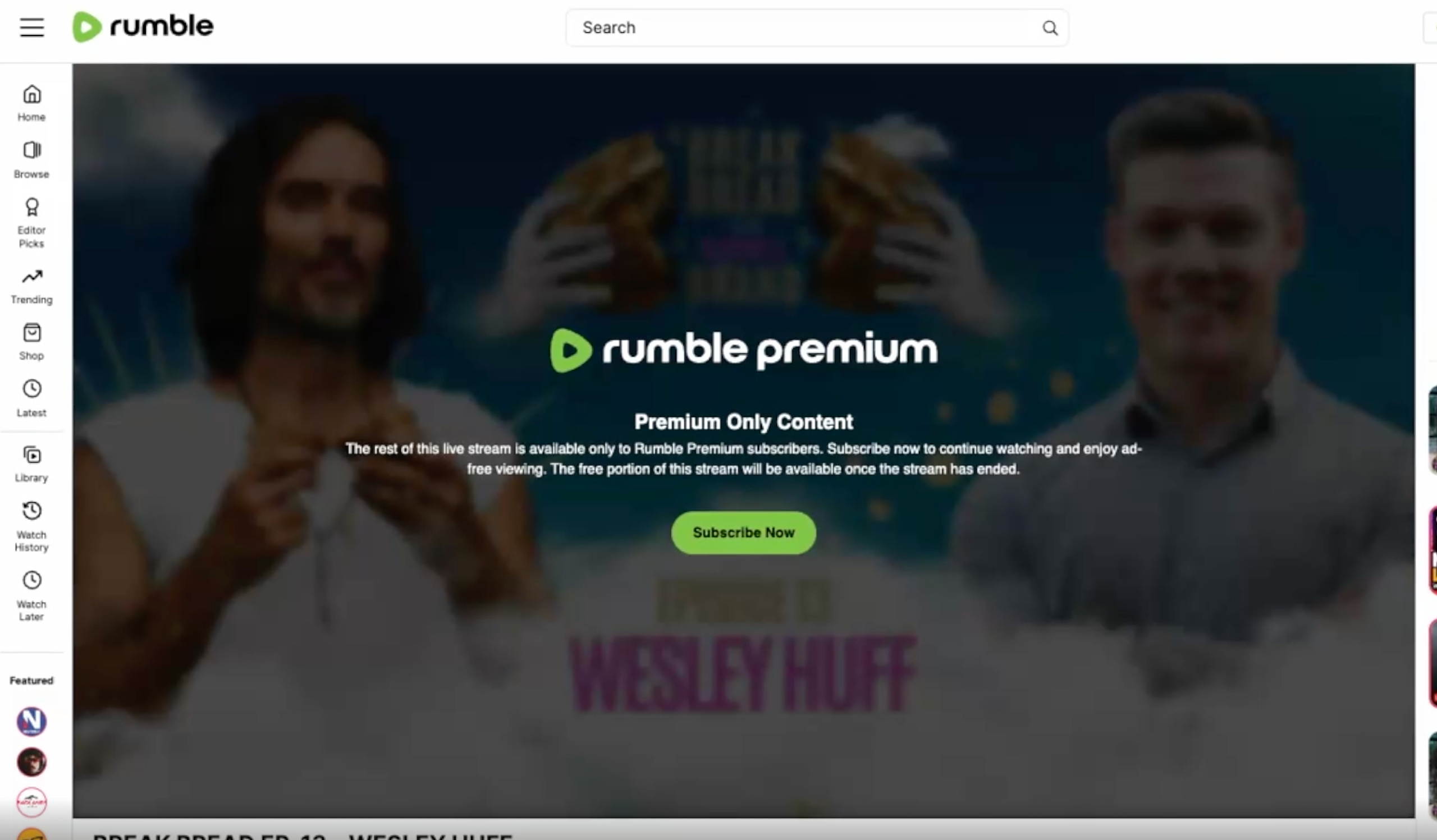
A 10 second countdown timer appears on the live stream prompting users to subscribe to Rumble Premium to continue watching
The free part of the stream from before it was made exclusive for Premium will also be made available to be viewed for free for non-Premium subscribers
Subscribed Premium Users:
Experience remains uninterrupted, allowing continuous viewing of the live stream.