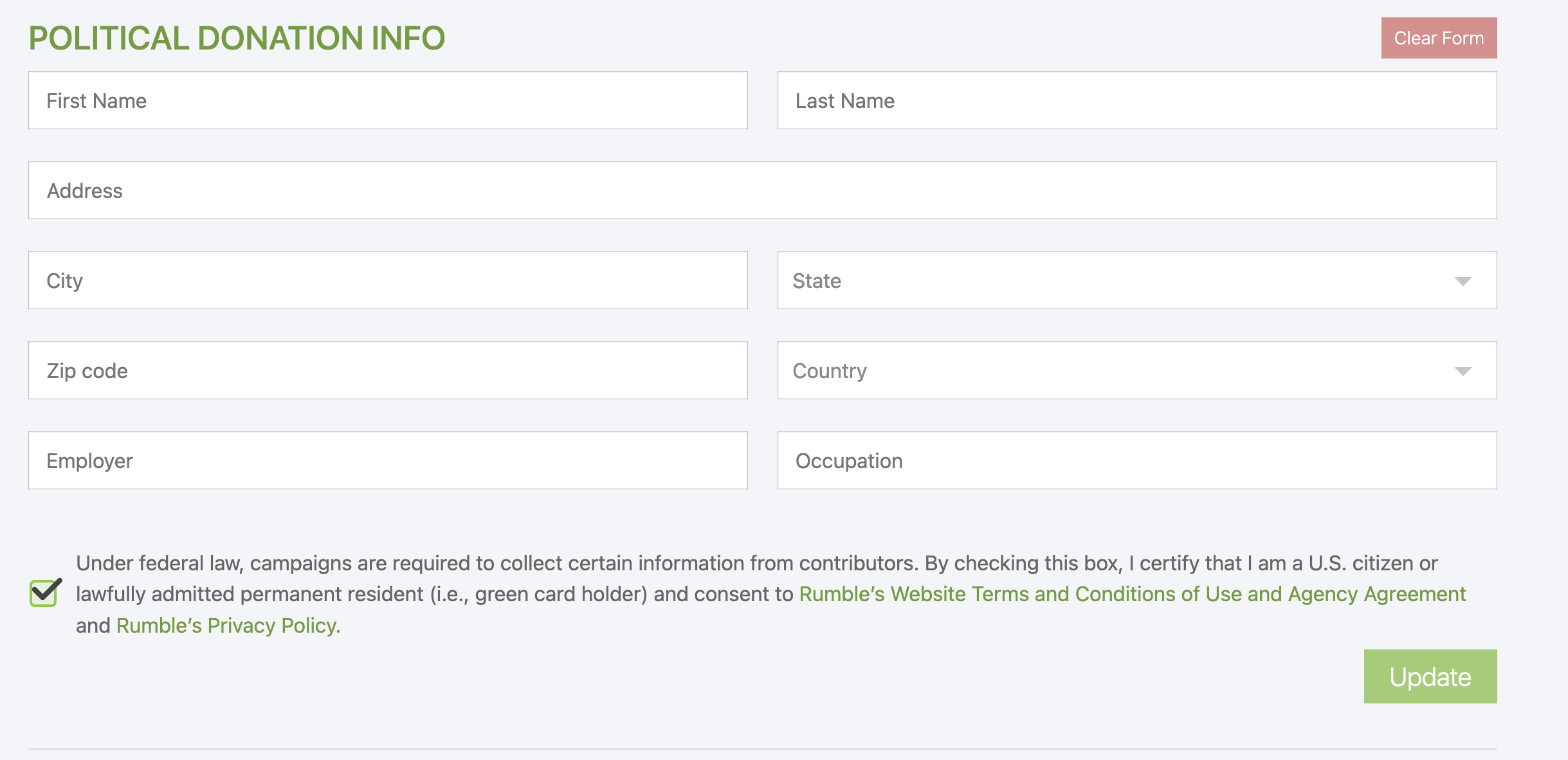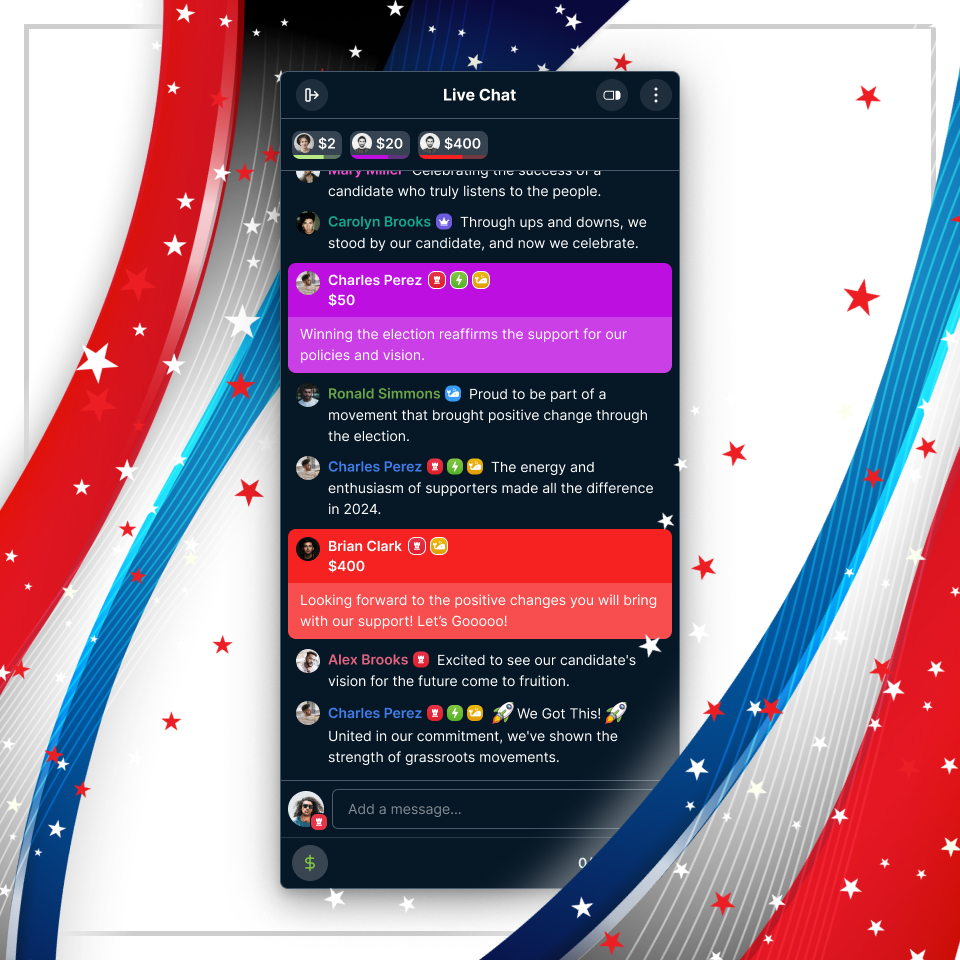
This feature will be available to all channels affiliated with a candidate for federal office, regardless of political party or status within the government. It is initially available on the Rumble.com website and will be available on mobile apps in the future. To help facilitate campaign disclosures under federal law, Rumble users donating to a campaign are required to provide:
Name
Mailing address
Occupation
Name of employer
They will also need to certify that the information accompanying the donation is true and accurate, that they are a U.S. citizen or lawfully admitted permanent resident, and are not a federal government contractor.
------------------------------------------------------------
How To Give A Political Donation
As a viewer of a live stream on a channel that has this feature enabled, you will see the following prompt at the bottom of the live chat that requires you to provide additional information in order to make a donation:
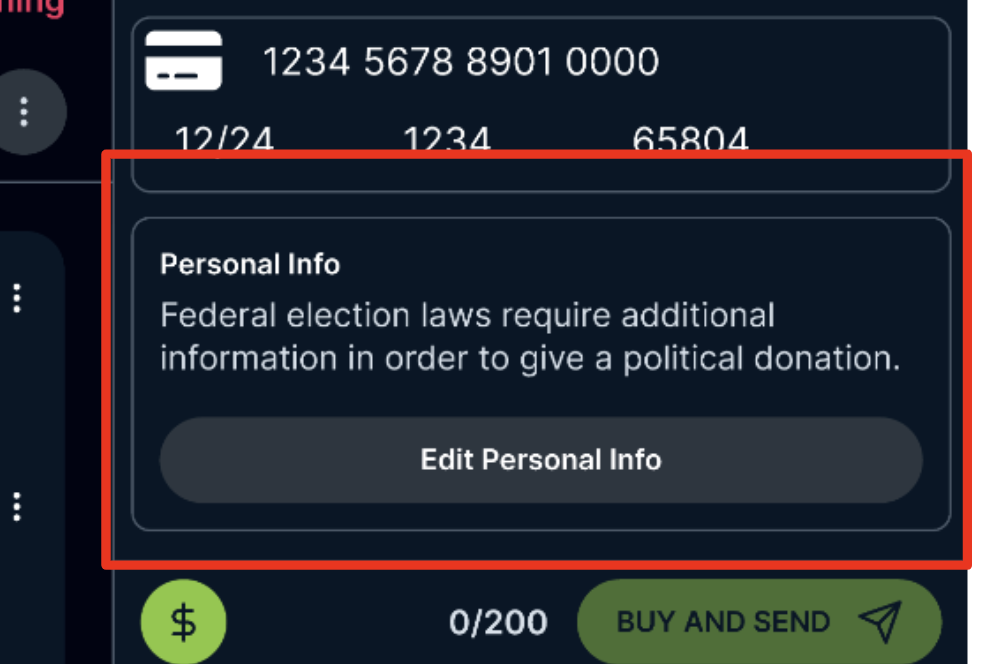
After clicking "Edit Personal Info" the following window is opened:
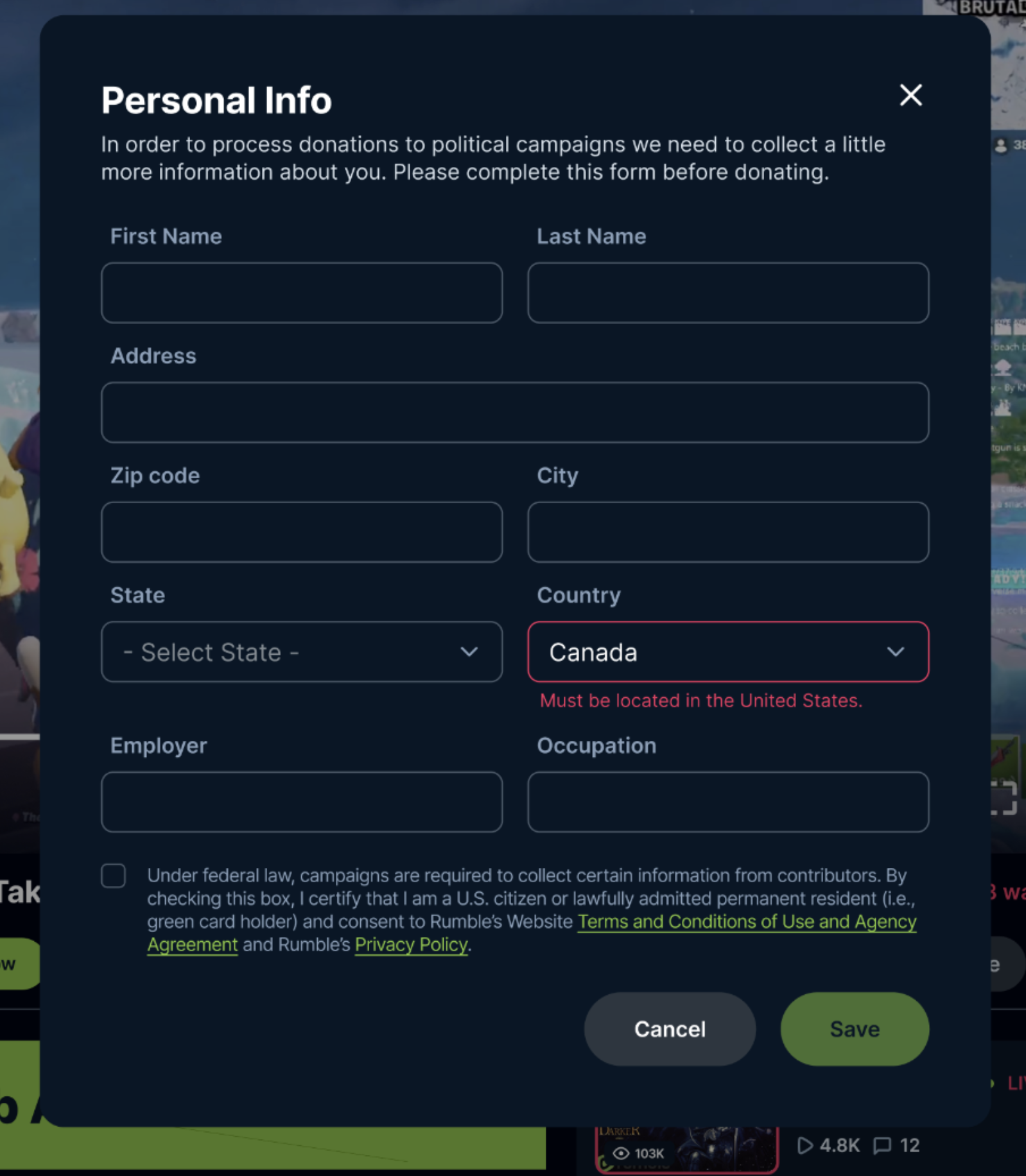
You must provide a U.S. address in order to make a donation and agree to Rumble's terms of service and privacy policy. You can also manage this information under account settings.