
FAQ

Welcome Rumble's Knowledge Base

Find step-by-step guides, troubleshooting tips, and feature explainers to get the most out of our platform.

How do I disable autoplay?

How To Use Rumble

How do I disable autoplay?

Last updated on 06 Feb, 2026

You can find a toggle to disable autoplay below:


Web browser
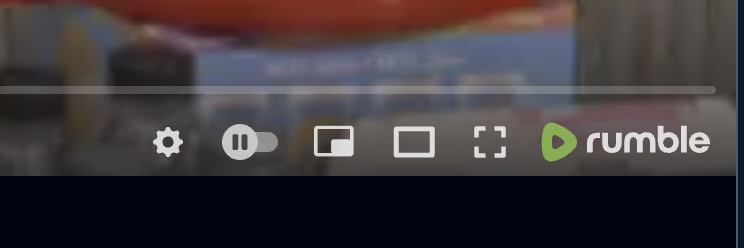
Click on the Play/Pause toggle to the right of the gear icon.
 

Image


iOS / Android apps

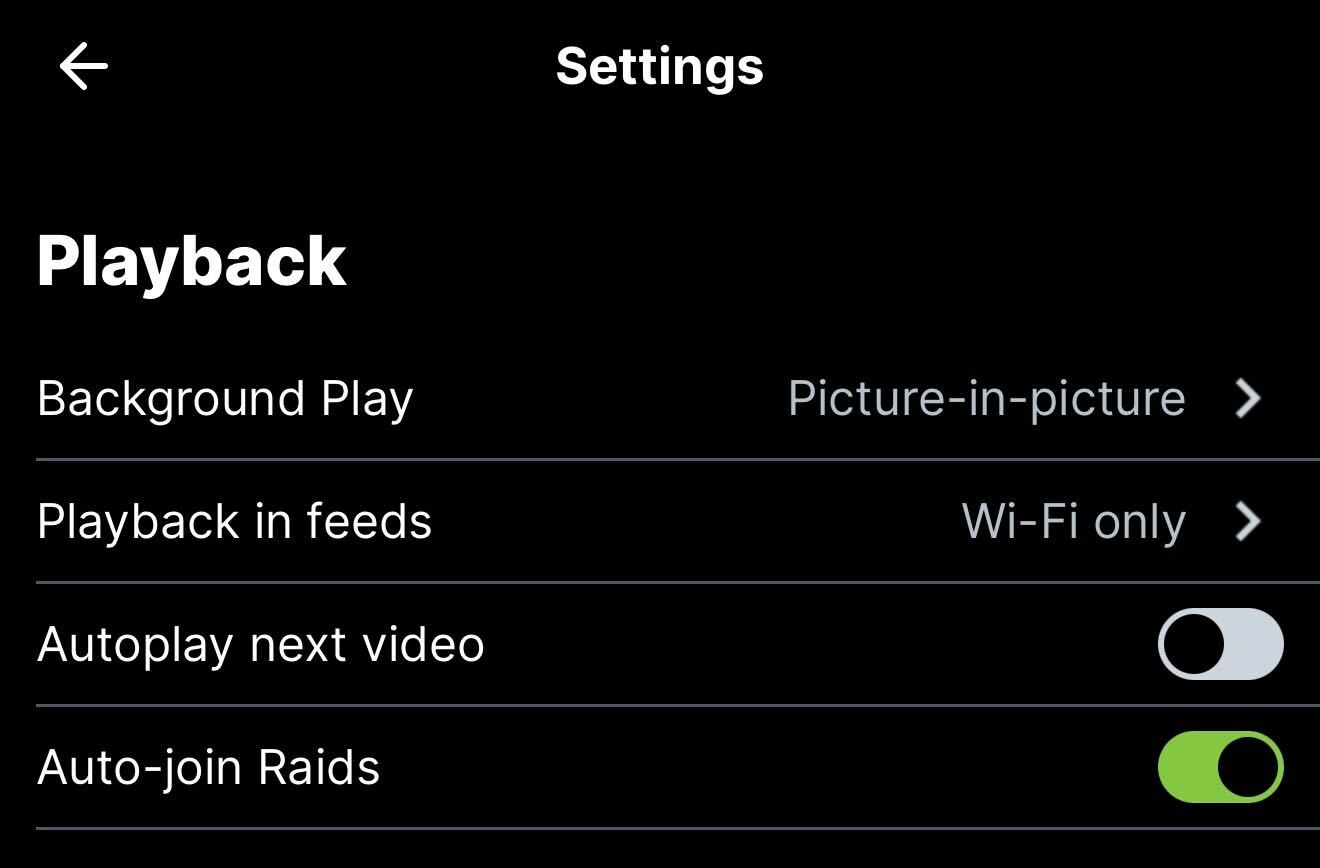
Tap on the account button in the lower right hand corner of the app. Then tap on the settings/gear icon in the upper right hand corner. Scroll down and you'll see a section for Playback. Under that is a toggle for Autoplay.
 

Image
Did you find this article helpful?
Previous

Automatically generated Closed Captioning (CC)

Next