

A Rumble Raid is when a creator transfers the viewers from their stream to another stream. This feature is used in the daily Rumble Live lineup to move viewers seamlessly from creator to creator if you're watching in the iOS and Android Rumble apps, or in your web browser.
If you're watching a livestream and the channel your watching starts a Raid of another livestream, a notification will appear in the live chat box notifying you of the imminent raid. You'll have a countdown and a set amount of time to click on the Opt Out button if you don't want to be brought to the next stream and would prefer to stay on the current stream you're watching.
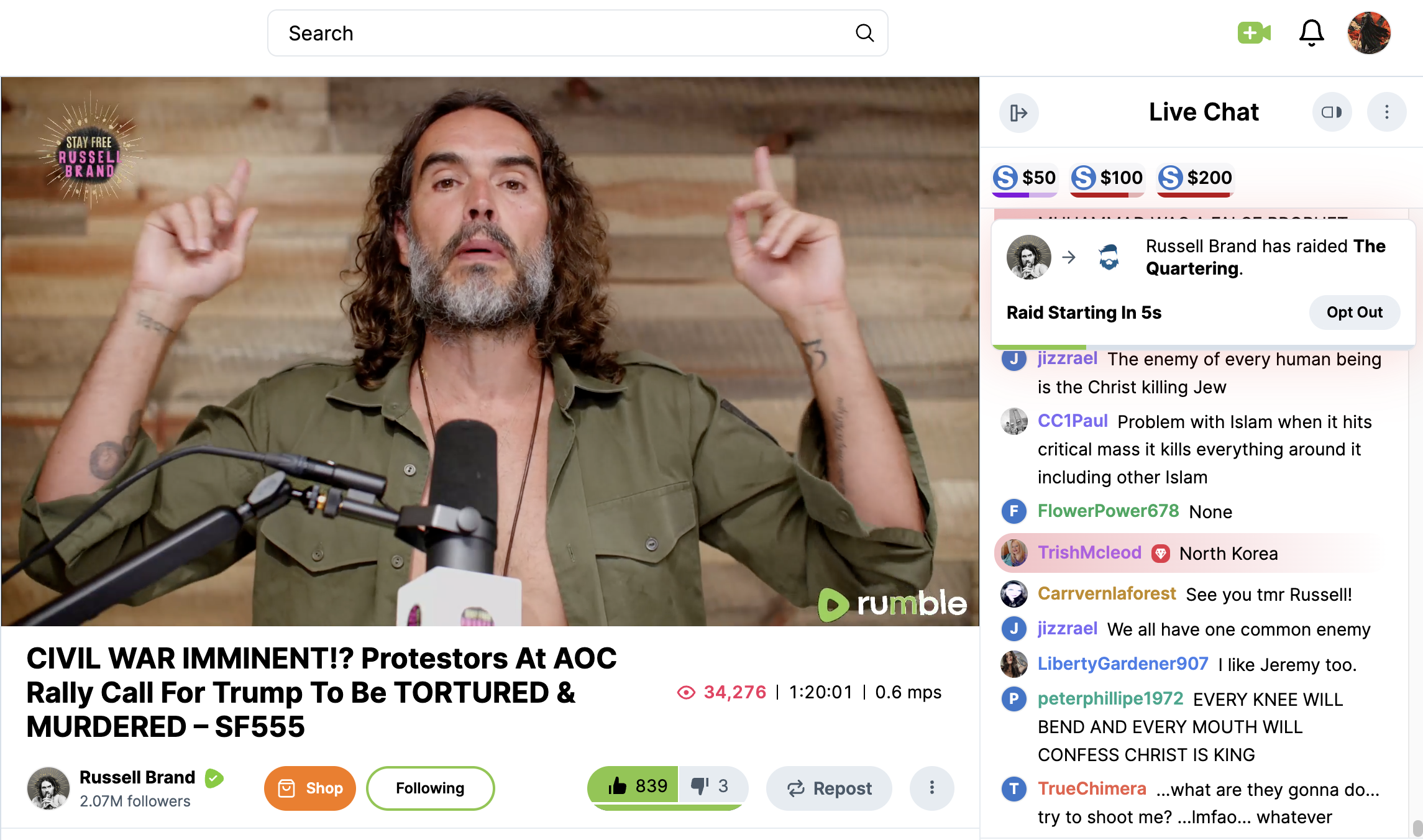
Rumble Raid opt out notification in live chat when viewing in web browser
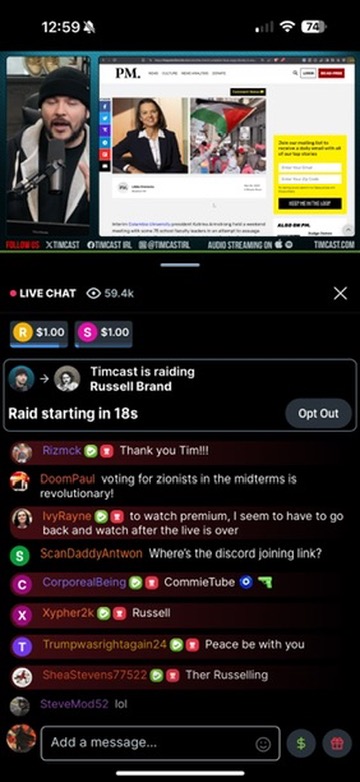
Rumble Raid opt out notification in live chat when viewing in mobile mobile app
Once you opt out, you will not move over to the new stream. If you don't click the opt out button, you will automatically be brought to the livestream that was raided.
Please note: If you're behind in the current livestream you're watching and a raid is initiated, you will be brought over to the raided livestream at the end of the raid countdown.