

Turn on subscriber‑only chat
You can enable subscriber‑only chat directly from the live chat interface.
Start your live stream.
In the live chat area, look for the Enable subscriber only chat control.
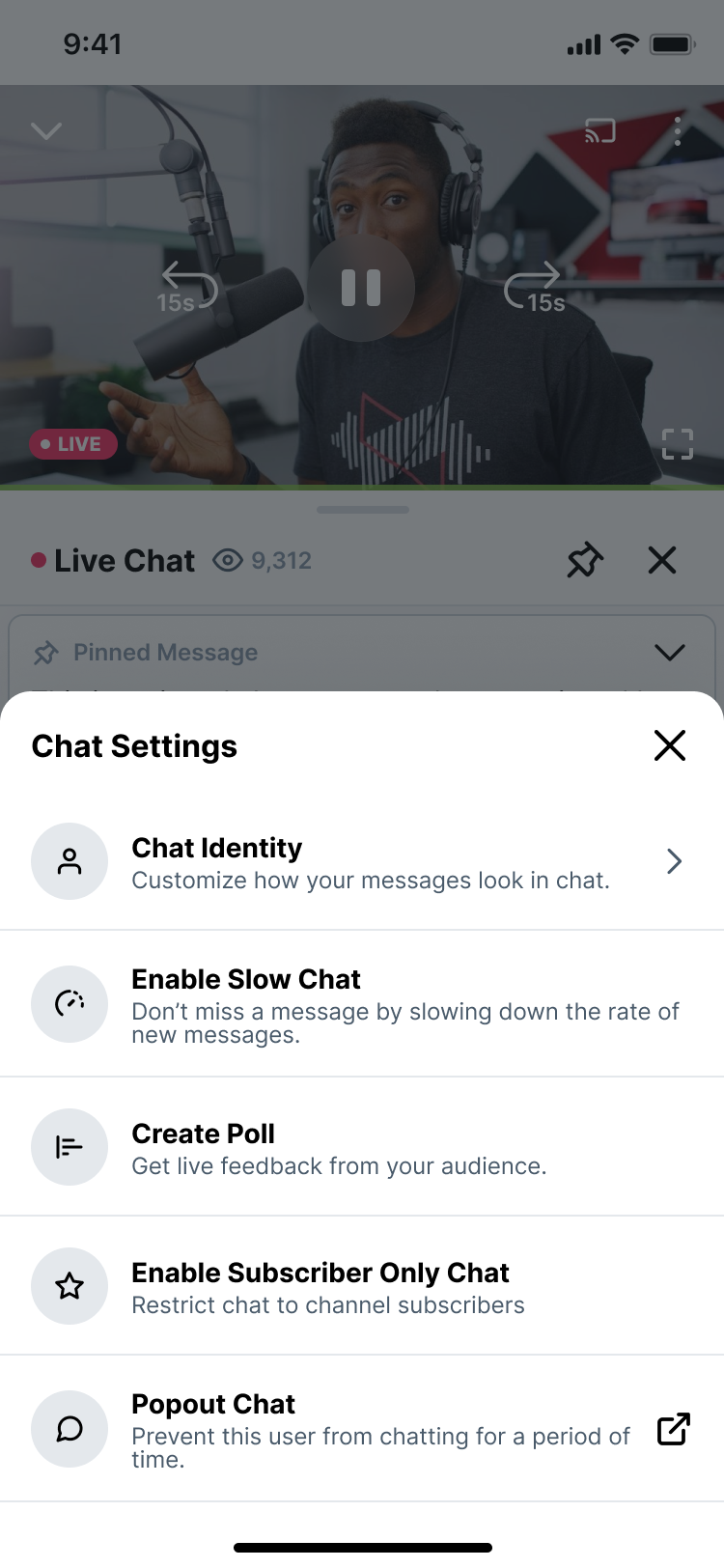
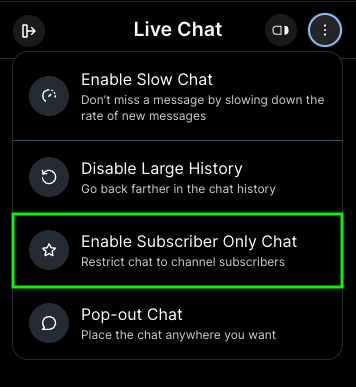
Click it to turn subscriber‑only chat on.
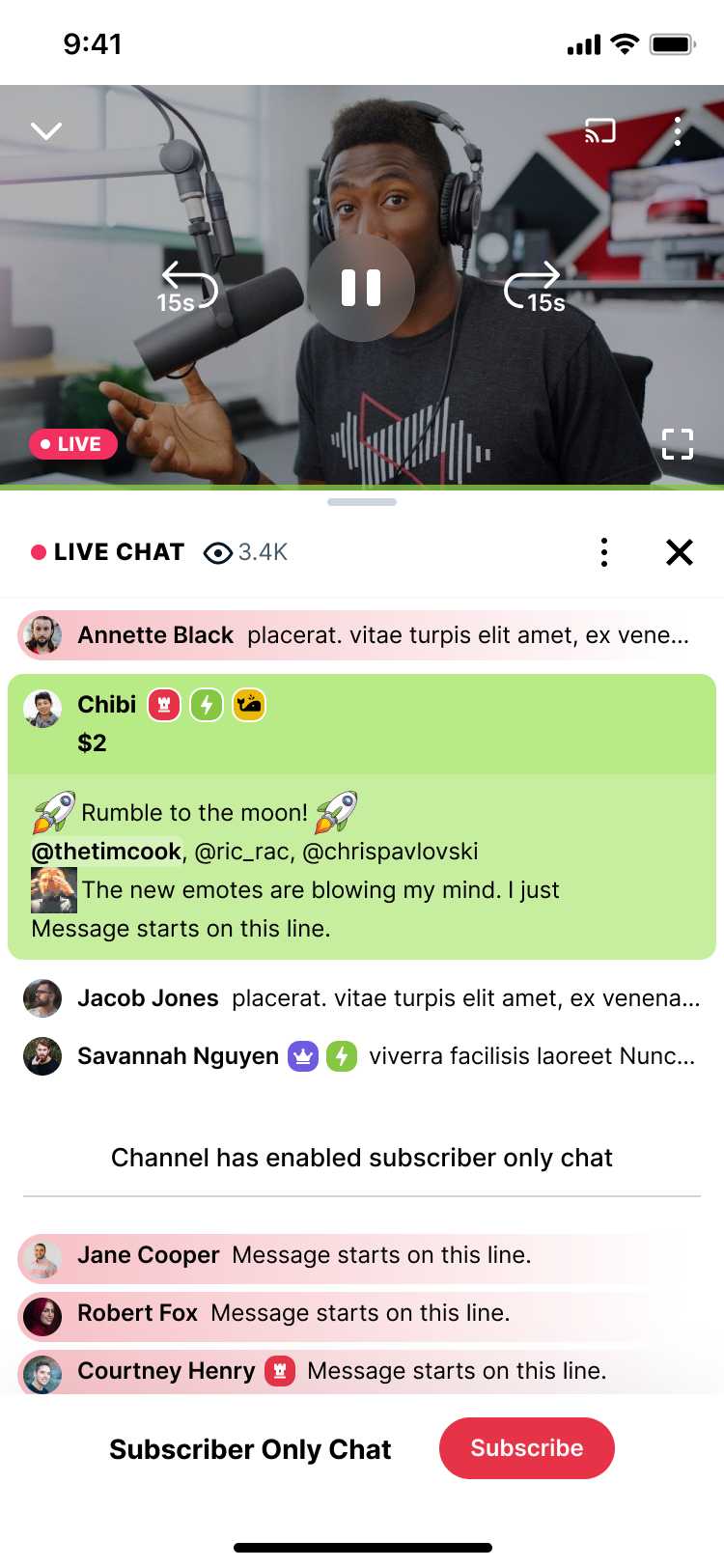
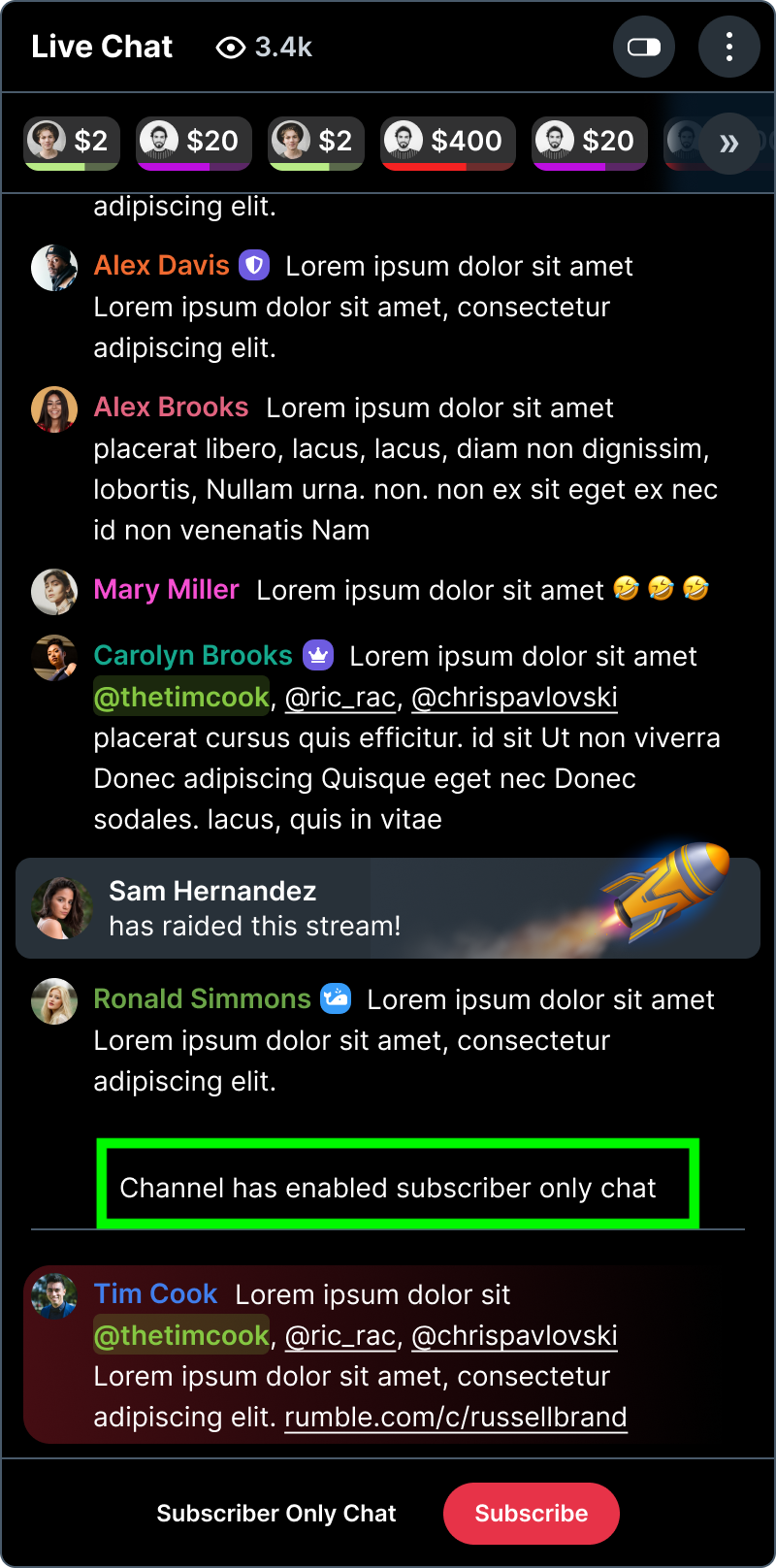
Viewers will see a system message in chat that says the channel has enabled subscriber‑only chat.
Turn subscriber‑only chat off
To go back to regular chat:
In the live chat, click the same subscriber‑only chat control again to disable it.
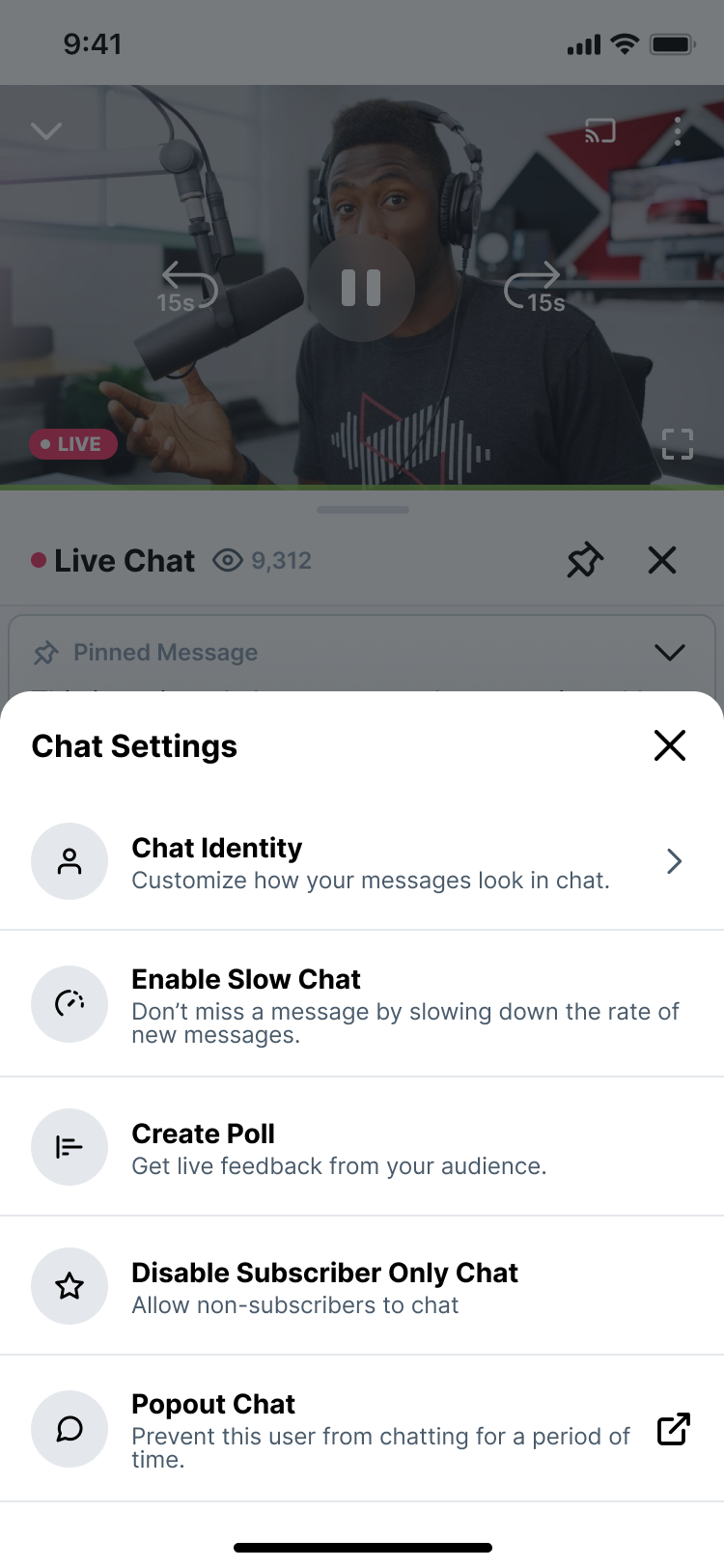
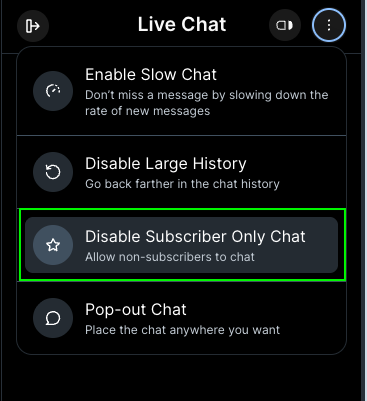
The chat will return to normal, and all eligible viewers can chat again.
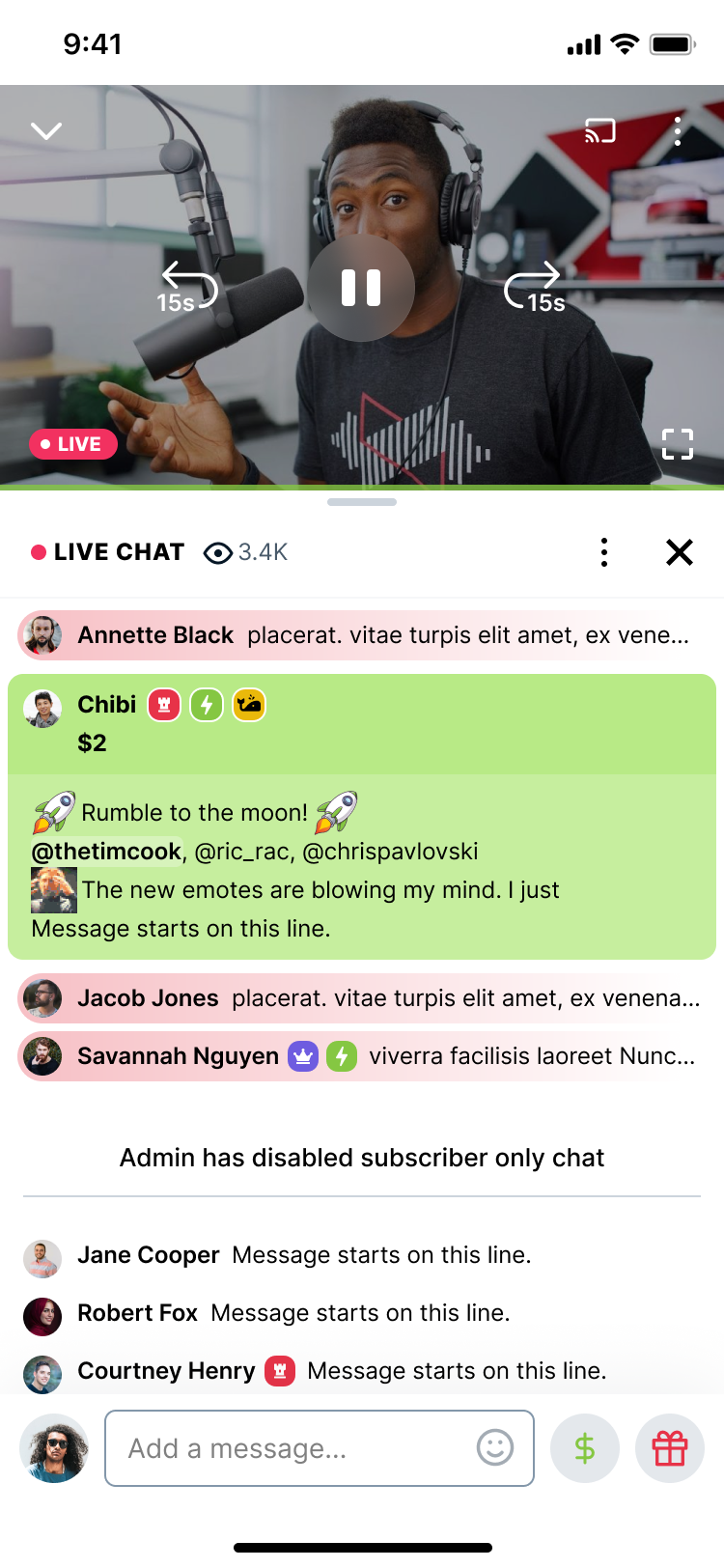
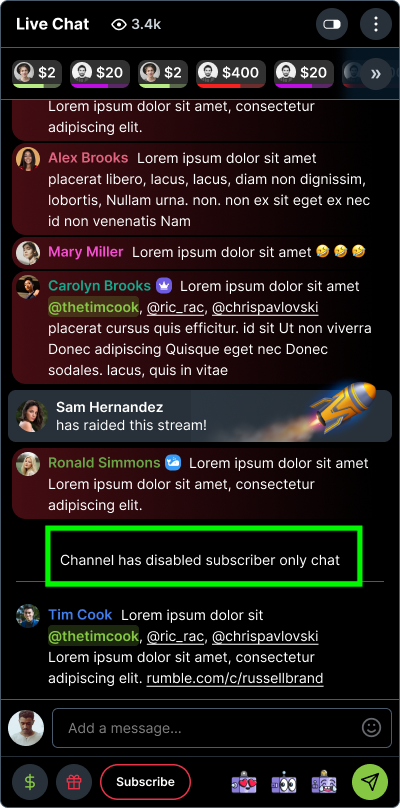
Use chat commands for subscriber‑only chat.
You can also control subscriber‑only chat using chat commands.
Supported commands in chat:
/subscribers– turn subscriber‑only chat on./subscribers off– turns subscriber‑only chat off.
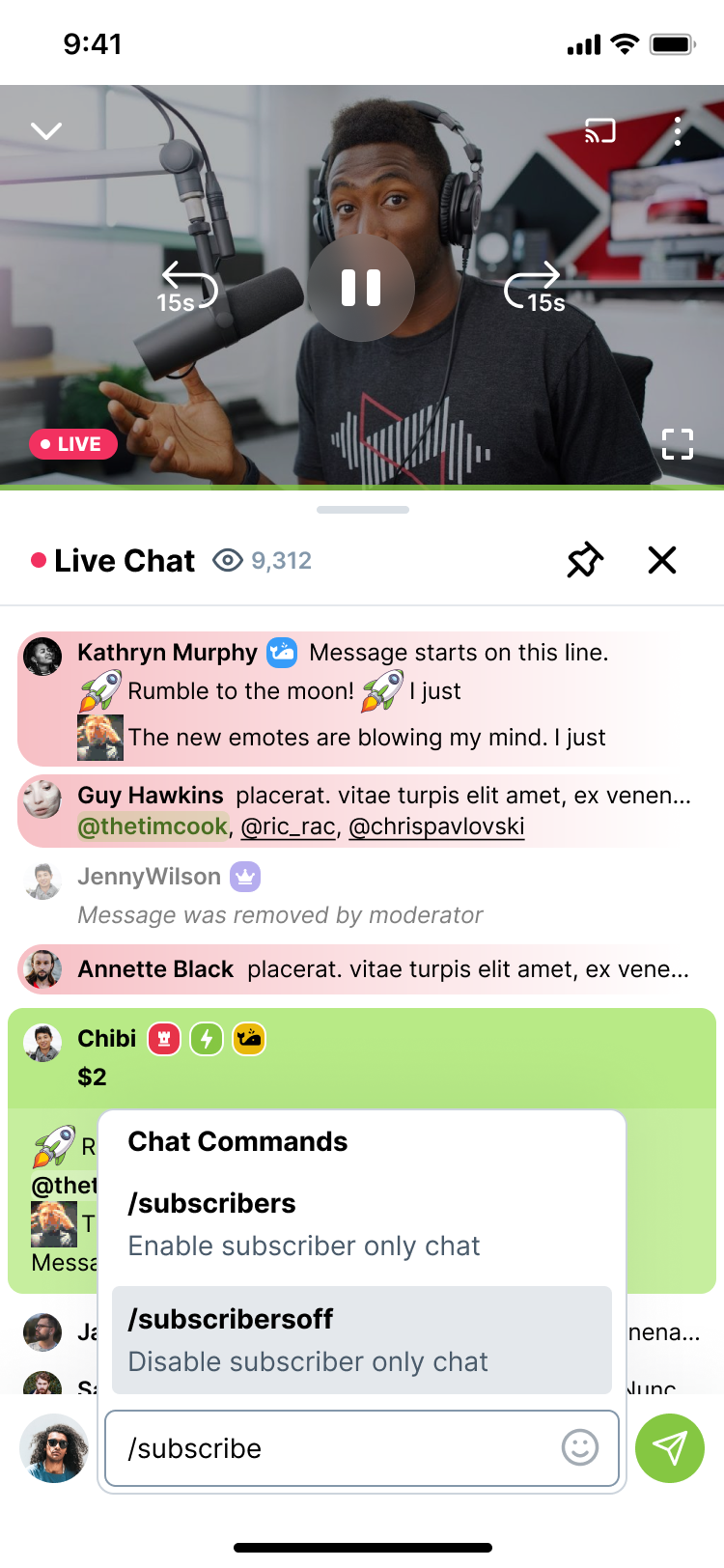
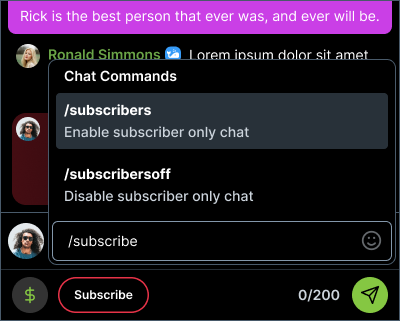
Troubleshooting commands:
Commands are supported in the regular web chat and pop‑out chat.
In Rumble Studio, you will see all chat messages and commands, but some commands (including subscriber‑only) may not currently work; command support is still being improved.
How subscriber‑only chat interacts with Premium streams
If you switch your live stream to Premium exclusive, the system automatically drops subscriber‑only mode and gates chat to Premium access instead.
Key points:
When you move a stream to Premium, subscriber‑only chat is turned off behind the scenes and replaced by Premium gating.
If you try to use
/subscriberscommands on a Premium‑exclusive stream, you may see an error or the command may silently fail; Premium gating always takes priority.

Subscriber‑only chat on mobile
Subscriber‑only chat also works on mobile.
On mobile, viewers can now subscribe from the app to participate in subscriber‑only chat.
This mobile subscription is a one‑month, non‑recurring purchase that grants subscriber status for chat for that period. It does not automatically renew.
To become a recurring subscriber, viewers must subscribe on the web.
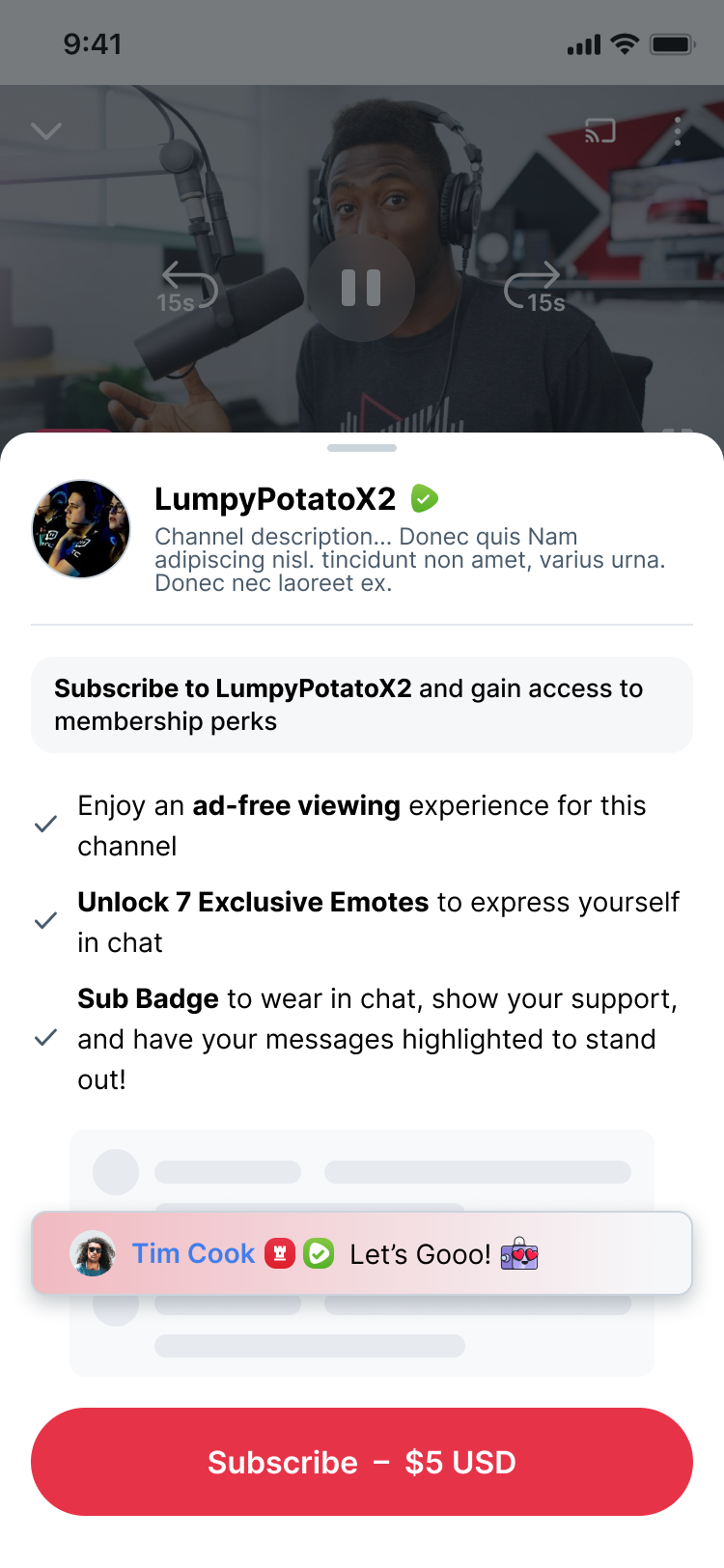
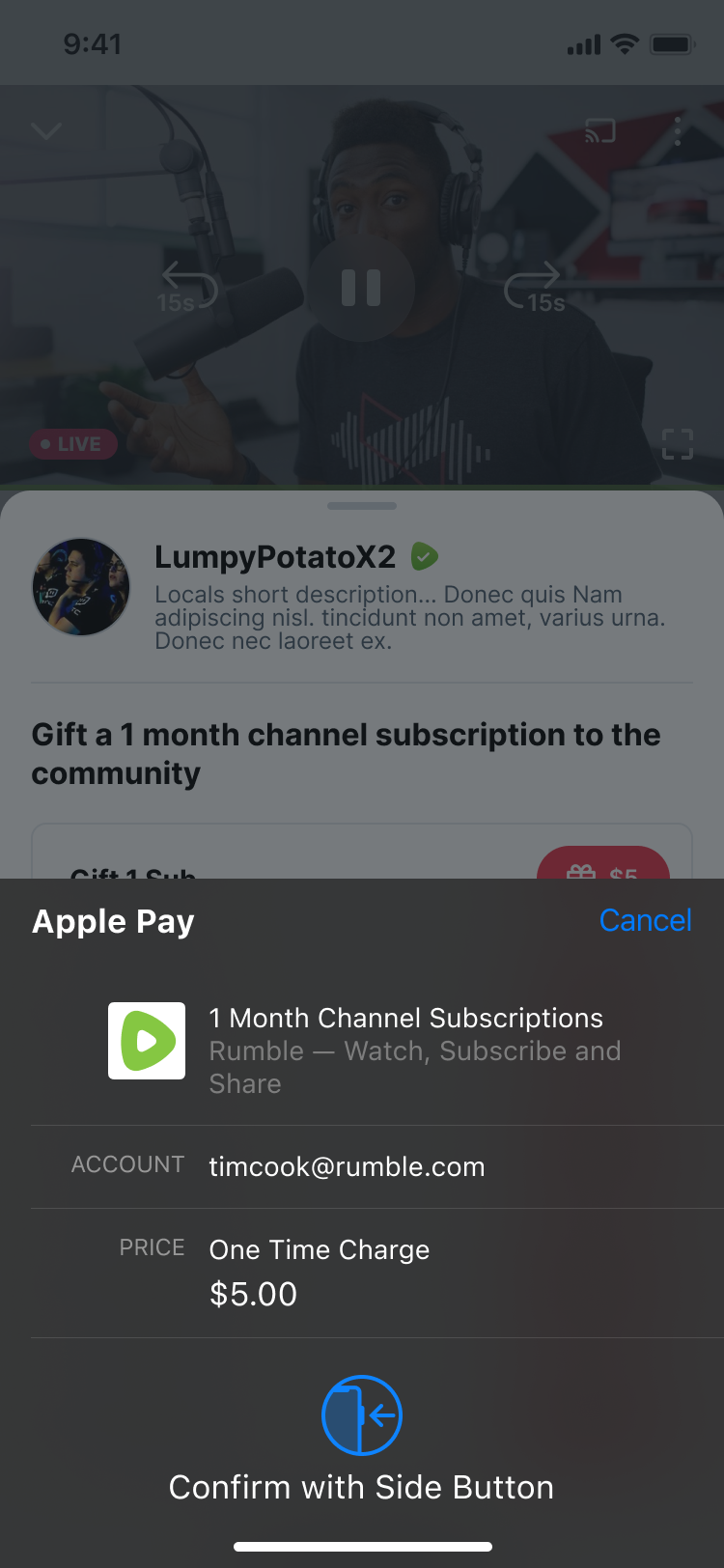
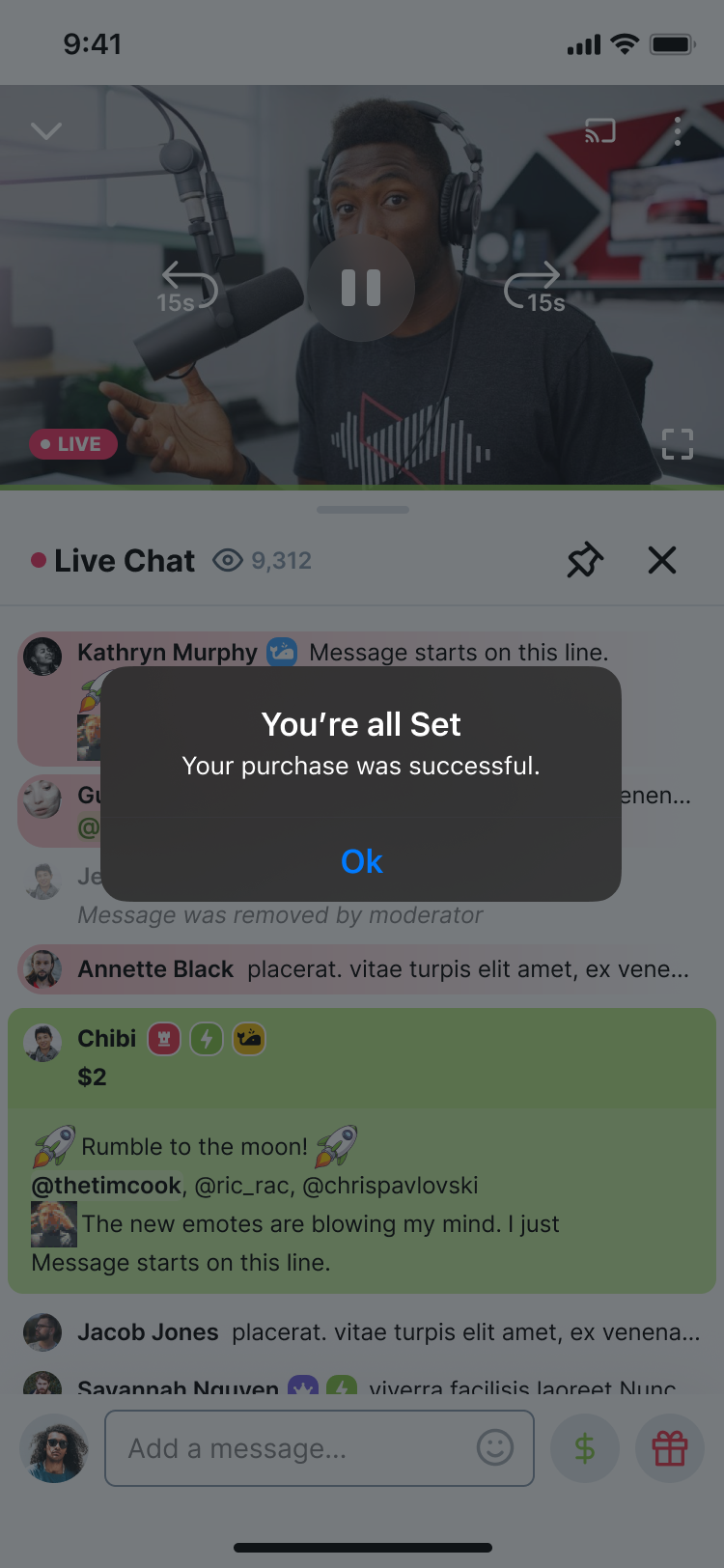
The in‑app experience shows a subscribe button for users who want to enter subscriber‑only chat. Once they purchase access, they can chat for the duration of their one‑month pass.